Best Digital Menu Board Software in 2026: Honest Comparison for Small Restaurants
4-minute read · Digital Signage · Restaurants & Cafés
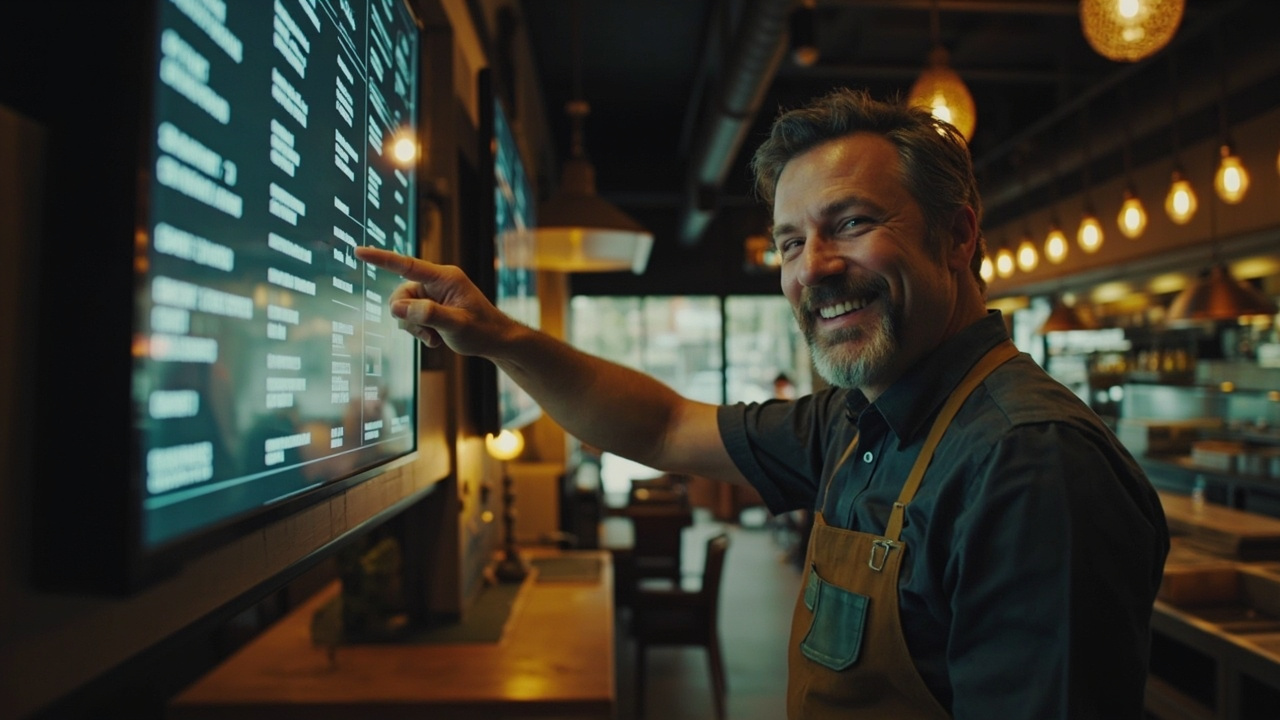
Choosing the right digital menu board software is a one-time decision that affects your operations every single day. Here's an honest look at what's out there.
Why This Comparison Exists
If you've searched "digital menu board software" recently, you've seen the same pattern: enterprise-level platforms with enterprise-level pricing, tools built for national chains with IT departments, and a handful of small-business options that vary wildly in quality and cost.
This comparison focuses on what actually matters for independent restaurants, cafés, food trucks, and small chains: ease of setup, real cost of ownership, flexibility, and whether the product actually works on inexpensive consumer hardware like Fire TV Sticks and Android TVs.
We've evaluated five tools across the same criteria. Let's be direct.
The Tools Compared
| Tool | Best For | Free Plan | Starting Price | Works on Fire TV / Android TV | QR Digital Menu | Real-Time Updates |
|---|---|---|---|---|---|---|
| MenuBoard Online | Small restaurants, cafés, food trucks | ✅ Yes | £9/month | ✅ Yes | ✅ Yes | ✅ Yes |
| ScreenCloud | Multi-location businesses | ❌ No | ~£20/screen/month | ✅ Via Chrome | ❌ No | ✅ Yes |
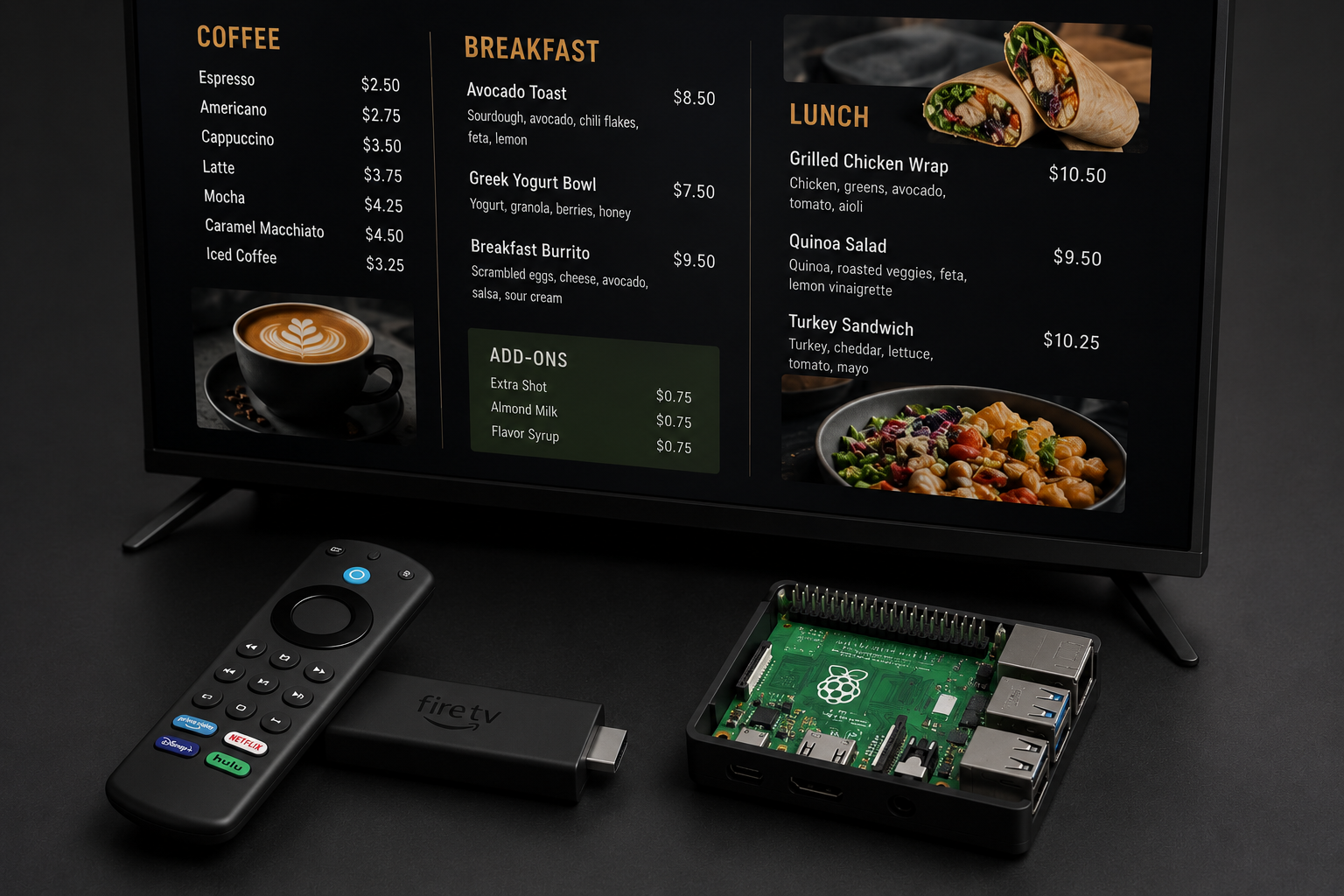
| Yodeck | Digital signage (non-menu) | ✅ 1 screen | $7.99/screen/month | ✅ Via Raspberry Pi | ❌ No | ✅ Yes |
| Canva | Basic static designs | ✅ Limited | £10.99/month | ❌ No (export only) | ❌ No | ❌ No |
| Menu Tiger | QR code menus only | ✅ Limited | $29/month | ❌ No | ✅ Yes | ✅ Yes |
Pricing correct as of May 2026. All prices converted to GBP at prevailing rates where applicable.
Tool-by-Tool Breakdown
1. MenuBoard Online — Best All-Rounder for Small Restaurants
What it does: MenuBoard Online combines digital menu management, TV display software, QR code menus, and scheduling into one platform. It's the only tool in this comparison that handles both the in-venue screen (via the TV App) and the customer-facing digital menu (via a shareable link and QR code) from a single admin dashboard.
The Admin Panel (admin.menuboard.online) is where you build and manage everything:
- Menus — Create structured menus with categories, items, prices, descriptions, dietary tags, and food photography. Each published menu gets a permanent public URL and a downloadable QR code automatically.
- Assets — Upload food photos and promotional videos that serve as the content for your screen playlists.
- Playlists — Sequence your assets into rotating slideshows, with adjustable durations per asset and drag-to-reorder.
- Schedules — Automate which playlist plays at what time on which screens. Breakfast from 7:00, Lunch from 11:30, Dinner from 17:00 — all hands-free.
- Devices — Pair any screen running the TV App with your account using a one-time activation code.
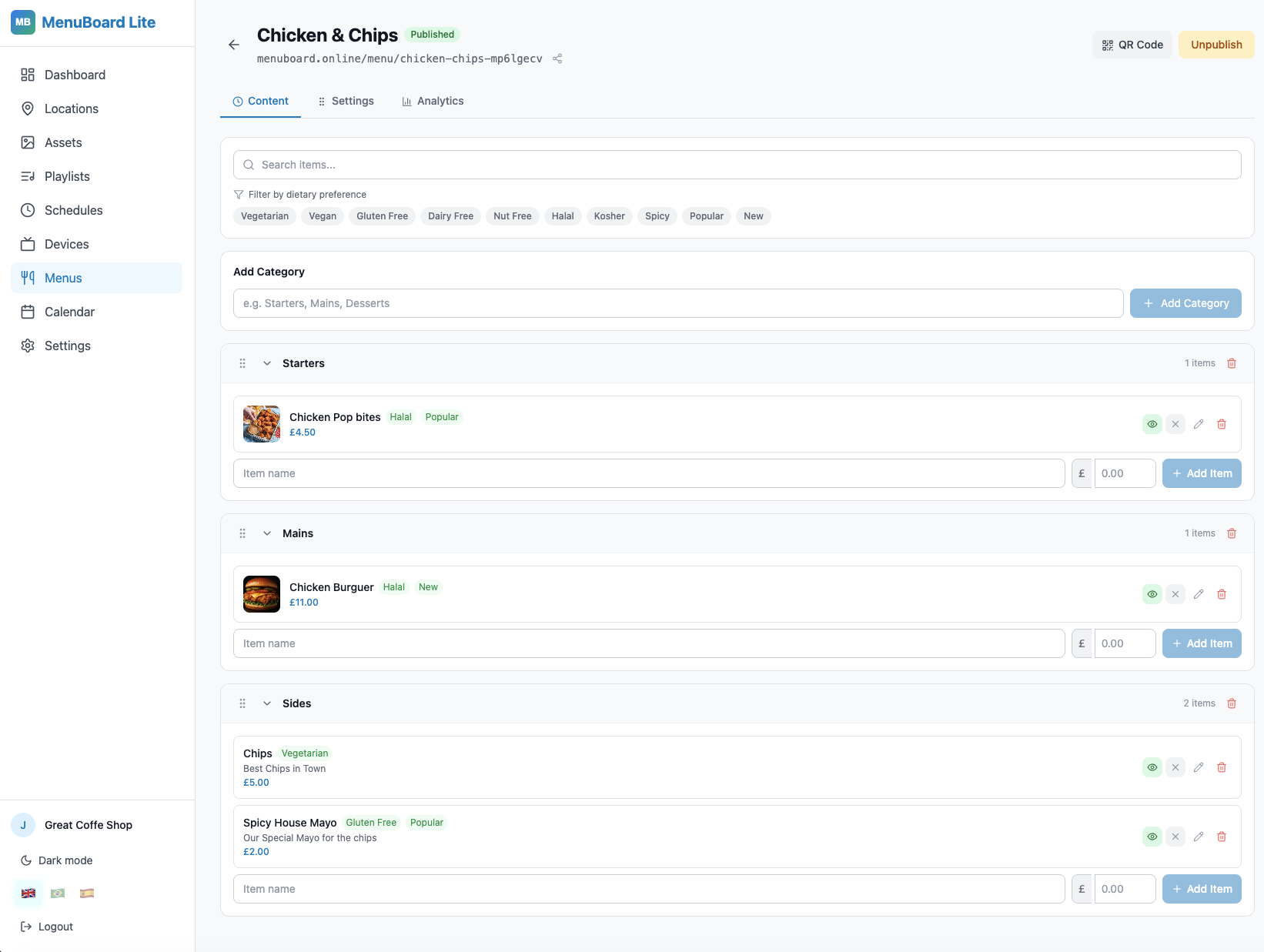
The MenuBoard Online Admin Panel gives you full control over menus, screen content, schedules and devices from one place.
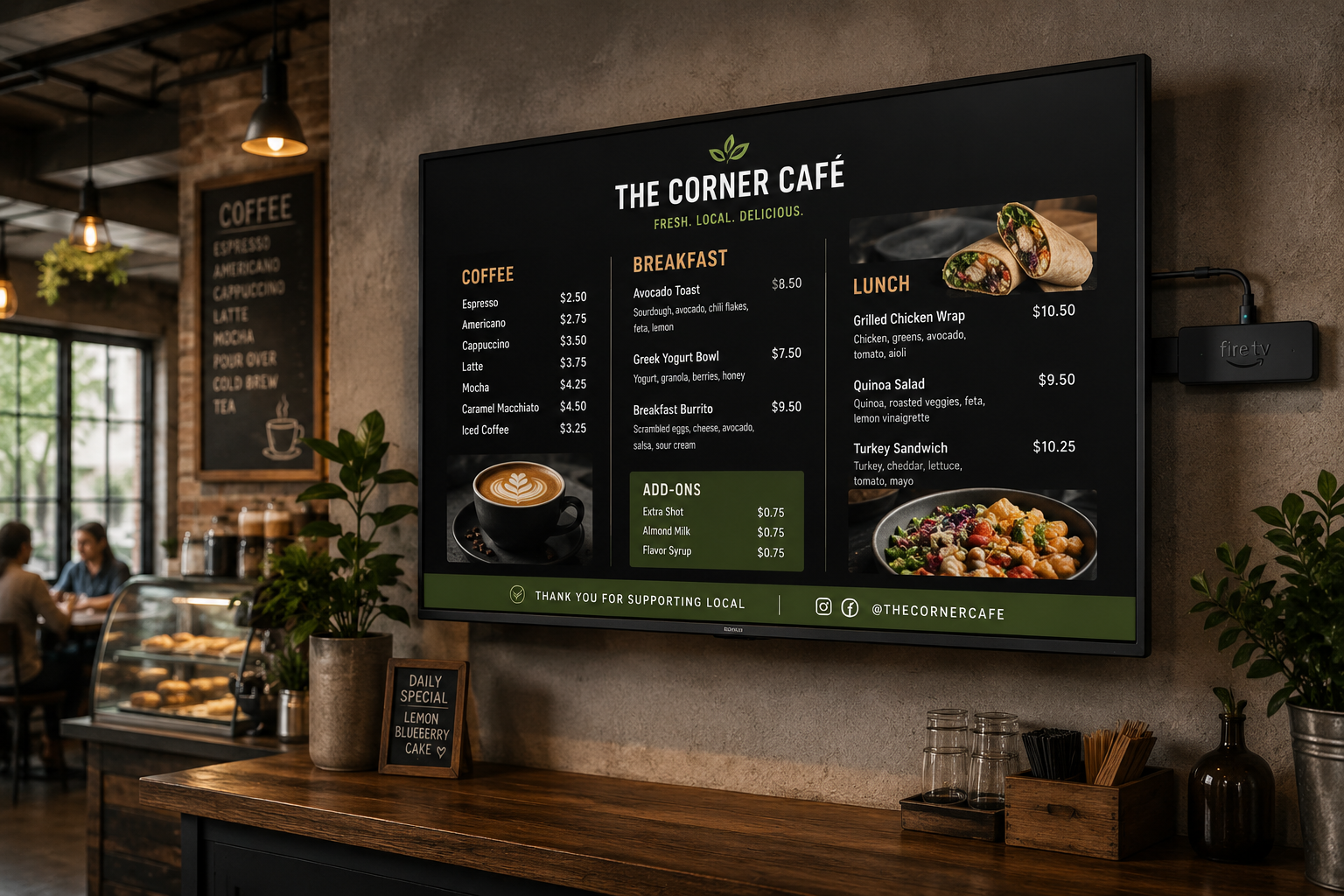
The TV App runs natively on Fire TV Stick and Android TV. Once activated, it polls for schedule updates every 60 seconds — so any change you make in the Admin Panel appears on your screens automatically, without touching the TV.
It also runs in any web browser, making it compatible with Windows PCs, tablets, and cheap Android TV boxes — not just Amazon hardware.
Free plan: Fully functional. Unlimited menus, QR codes, and one active device. No time limit, no credit card required.
Paid plans from £9/month unlock additional devices, assets, and advanced features like priority support.
Ideal for: Independent restaurants, cafés, food trucks, takeaways, bakeries, and any venue wanting both a TV menu display and a customer-facing QR menu without managing two separate tools.
2. ScreenCloud — Built for Multi-Location Teams
What it does: ScreenCloud is a professional digital signage platform with a strong feature set for businesses managing signage across multiple locations. It's polished, reliable, and has a large content app ecosystem.
The gap: It's not designed around restaurants. There's no built-in menu builder, no QR code menu, and no concept of "categories and items." You're building slides in a content editor, not a menu system. The pricing model charges per screen per month, which adds up quickly for a venue with three or four displays.
Ideal for: Multi-site businesses with a dedicated marketing team managing digital signage across many screens.
Not ideal for: A two-person café operation that needs to update a menu price at 8am before service.
3. Yodeck — Good for Digital Signage, Not Restaurants
What it does: Yodeck is a Raspberry Pi-based digital signage platform with solid reliability and a good interface. The free plan supports one screen indefinitely.
The gap: Like ScreenCloud, Yodeck is a general-purpose signage tool, not a restaurant menu system. It has no QR code menu, no category/item menu builder, and the hardware requirement (Raspberry Pi) adds complexity and upfront cost versus a £35 Fire TV Stick that most restaurant owners already own or can source easily.
Ideal for: Technical users comfortable with Raspberry Pi setup who need reliable digital signage for non-menu content.
Not ideal for: Restaurant owners who need a menu system, not just a slideshow player.
4. Canva — For Static Designs Only
What it does: Canva is a design tool, not a digital signage platform. Many restaurant owners use it to create attractive menu graphics, export as images, and display them on a TV via a USB drive or screen mirroring.
The gap: This isn't really "digital menu board software" in any meaningful sense. There's no remote update capability — every change requires redesigning, exporting, and physically transferring the new file to the display device. It doesn't scale, and it offers no QR code menu, no scheduling, and no device management.
Ideal for: Creating one-off printed menu designs or static social media graphics.
Not ideal for: Any situation where you need to update content remotely or display content on multiple screens.
5. Menu Tiger — QR Menus Without the Signage
What it does: Menu Tiger is a QR code menu platform — it does the customer-facing digital menu well, with ordering features and table management. At $29/month for their paid tiers, it's positioned at a different market (interactive table ordering) than pure menu display.
The gap: It has no TV display software. If you want a screen behind your counter showing your menu, Menu Tiger doesn't solve that. You'd need a second tool for in-venue digital signage.
Ideal for: Venues wanting a sophisticated table-ordering QR system with integrated POS features.
Not ideal for: Venues that primarily want a menu board on a TV screen.
Feature Comparison in Detail
Setup Time
| Tool | Time to First Live Screen |
|---|---|
| MenuBoard Online | Under 15 minutes |
| ScreenCloud | 30–60 minutes (includes hardware setup) |
| Yodeck | 60–90 minutes (Raspberry Pi configuration) |
| Canva + USB | 20–40 minutes per update cycle |
| Menu Tiger | 20–30 minutes (QR menu only) |
Setup time estimates based on documented onboarding flows, May 2026.
Price at Scale (3 screens)
| Tool | Monthly cost at 3 screens |
|---|---|
| MenuBoard Online | From £9/month (plan-based, not per-screen) |
| ScreenCloud | ~£60/month (3 × ~£20) |
| Yodeck | ~£24/month (3 × $7.99) |
| Canva | £10.99/month + manual update time |
| Menu Tiger | $29/month (no screen support) |
What to Choose Based on Your Situation
You run a restaurant, café, or food truck and want both a QR menu and a TV display → MenuBoard Online. It's the only tool that handles both in one platform, has a genuinely functional free tier, and runs natively on Fire TV hardware most venues already own.
You manage signage across 10+ locations and have a marketing team → ScreenCloud or Yodeck. The enterprise-grade control is worth the cost at that scale.
You need an interactive table-ordering system with QR → Menu Tiger (but you'll still need a second tool for your TV screen).
You just need something that looks good for a one-off print → Canva. But don't mistake it for a digital signage solution.
How to Get MenuBoard Online Live This Week
Here's the end-to-end setup flow for MenuBoard Online, using the Admin Panel and TV App together:
Step 1 — Sign up free at admin.menuboard.online. No credit card, no time limit on the free plan.
Step 2 — Build your menu. Click Menus → Create Menu. Add your categories (e.g. Starters, Mains, Desserts) and items with prices, descriptions, dietary tags, and photos. When ready, click Publish — your menu is immediately live at a public URL, with a QR code ready to download.
Step 3 — Upload your screen content. Click Assets and upload food photos or promotional images. These will appear on your in-venue TV screens.
Step 4 — Create a Playlist. Click Playlists → Create Playlist. Add your uploaded assets, set durations per item, and save.
Step 5 — Set a Schedule. Click Schedules → Create Schedule. Assign your playlist and set the time range it should play. You can build multiple schedules for breakfast/lunch/dinner automation.
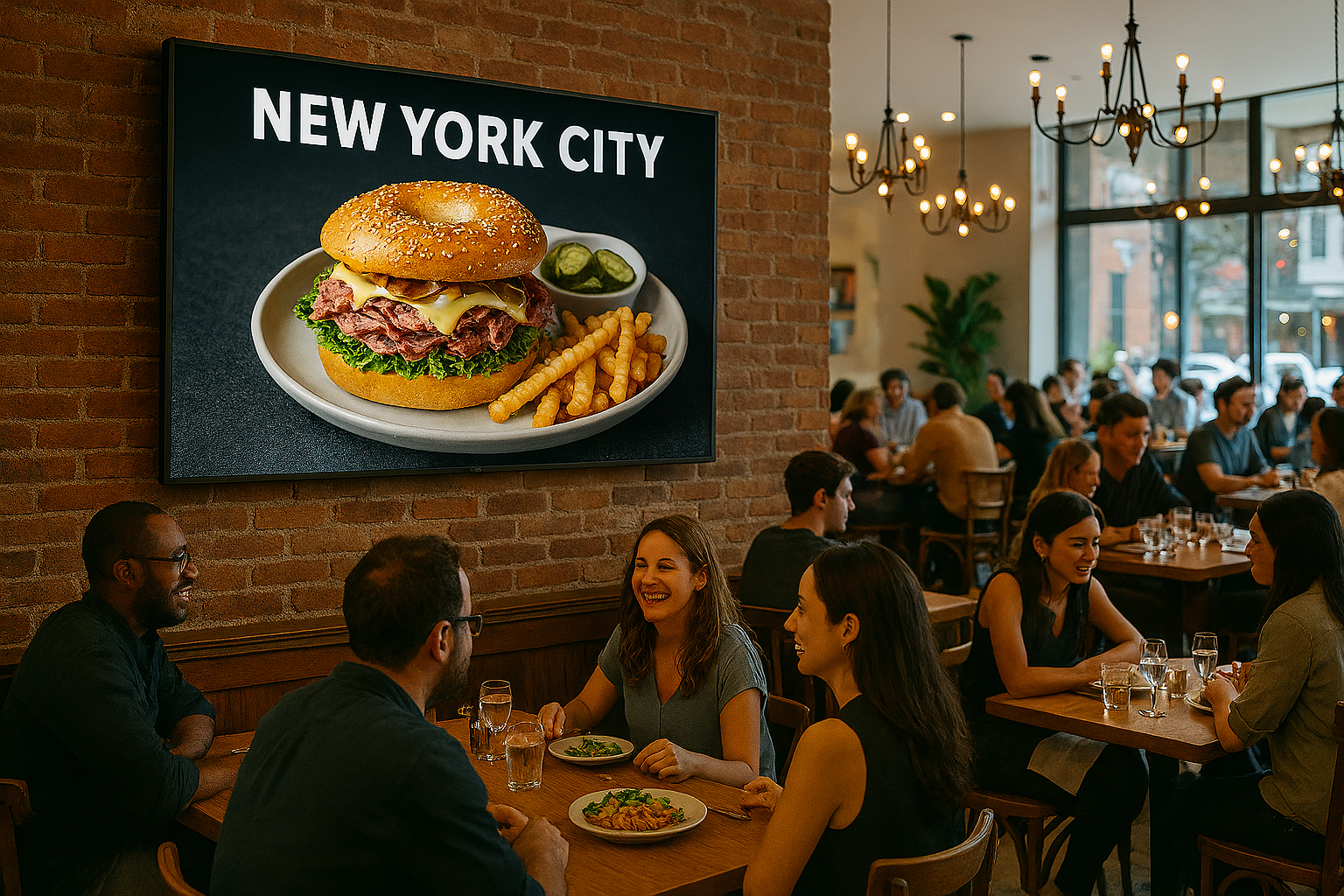
The MenuBoard TV App displays your playlist on any Fire TV, Android TV, or browser — updating automatically from the Admin Panel.
Step 6 — Connect your TV. Download the MenuBoard app from the Amazon Appstore on a Fire TV Stick, or open the browser URL from the Devices page on any device. Enter the activation code shown on screen, name your device, assign it to your schedule, and you're live.
Step 7 — Print your QR code. From the Menus page, click the QR code icon next to your published menu. Download it as a PNG and print it for your tables, counter, and window.
The Honest Bottom Line
Most digital menu board software is either overkill for a small restaurant (enterprise pricing, enterprise complexity) or too limited (no TV display, no scheduling, no QR menu). MenuBoard Online sits in the gap that most independent restaurants actually occupy: you need something that works on affordable hardware, updates in seconds, and doesn't require a marketing team or a monthly fee that hurts.
The free plan is genuinely useful — not a crippled trial. And when your venue grows to multiple screens, the paid tiers are priced for small businesses, not agencies.
👉 Start Free — admin.menuboard.online