Why Visual Media is the Secret Ingredient Your Restaurant Menu Has Been Missing
6-minute read · Digital Signage · Restaurants & Cafés
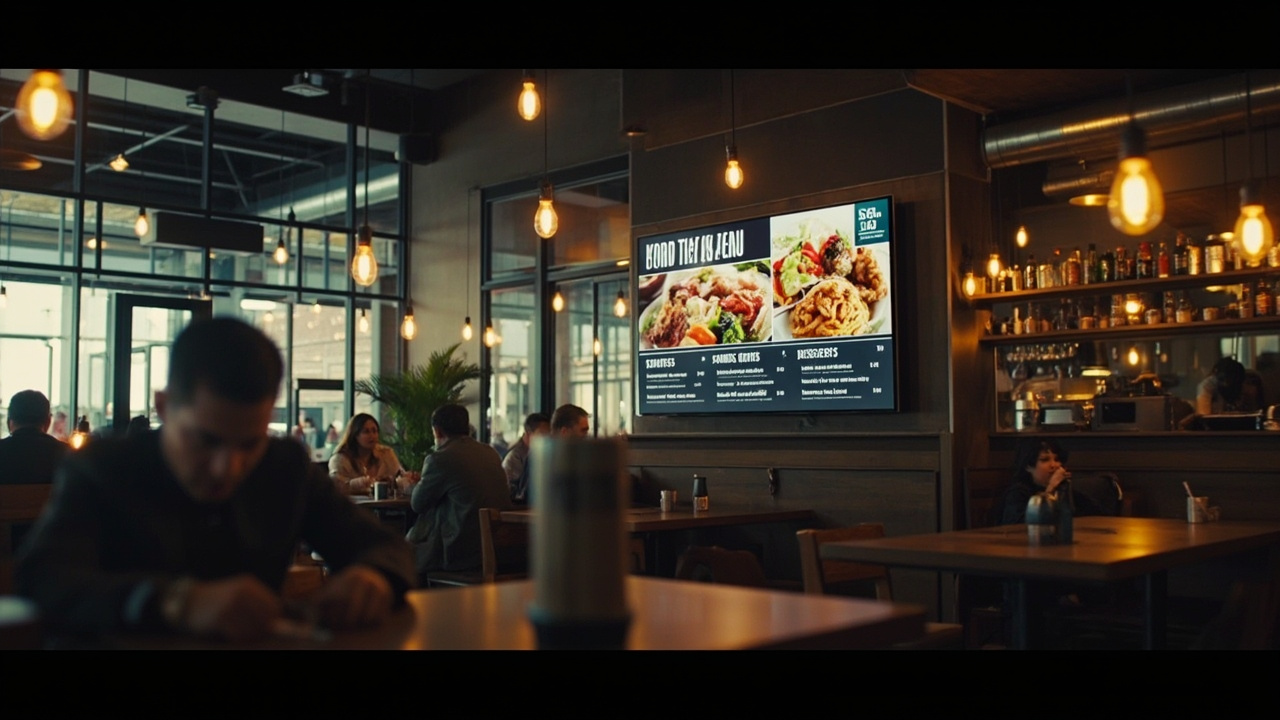
Beautiful food photography on a digital menu board transforms a simple meal into an experience customers remember.
The Moment Everything Changed
Marcus had been running his Italian trattoria for twelve years. The walls were warm, the pasta was handmade, and his tiramisu had regulars driving across the city. But his menu? A laminated A4 sheet, printed at home, slightly warped from years near the kitchen heat.
One evening, a couple walked in, glanced at the menu board on the wall, and the woman said to her partner: "I can't really see what anything looks like. What did you want to order again?"
Marcus heard it. And it bothered him all night.
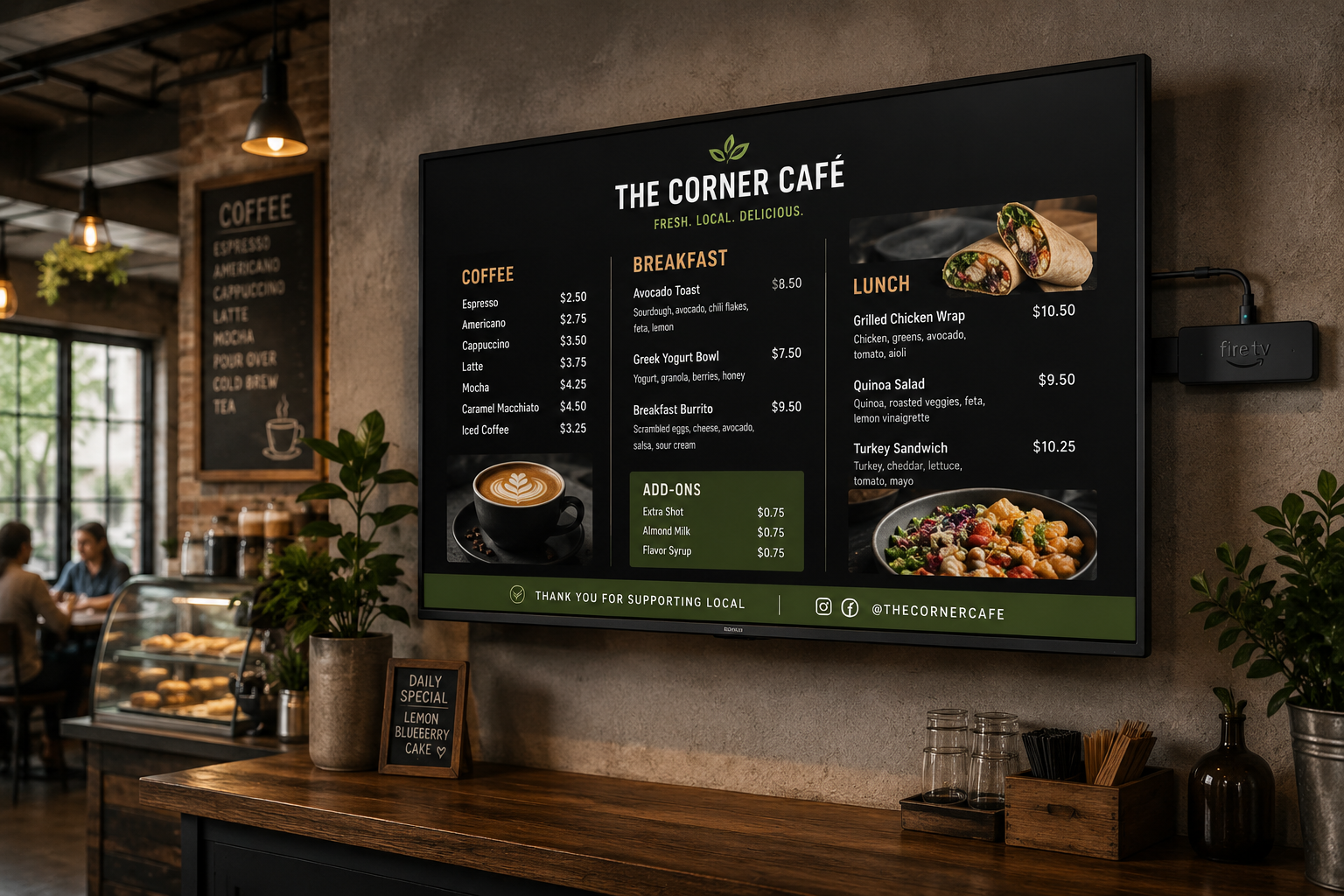
A week later, he set up a 43-inch screen behind the counter. He'd spent £320 on the TV and downloaded the free MenuBoard Online app. He uploaded five photos of his most popular dishes — his carbonara, the burrata starter, the panna cotta. He built a simple playlist and set it to loop.
Within a month, something shifted. Customers lingered longer at the menu. They asked fewer questions. They ordered more starters.
"People don't just read a menu anymore," Marcus told us. "They browse it. They imagine it. If you give them something beautiful to look at, they're already halfway to ordering it."
Why Media Changes Everything
Restaurant menus are one of the highest-stakes pieces of marketing in any business. They directly drive revenue. Yet most small venues treat them as an afterthought — a utilitarian list of items and prices, scribbled onto a whiteboard or printed on the cheapest cardstock available.
Here's the uncomfortable truth: visual presentation directly influences perceived value and ordering behaviour.
A 2022 eye-tracking study by the Journal of Retailing and Consumer Services found that customers spend 30% more time looking at menus with images than text-only menus. Items with photos were ordered 25–30% more frequently than identical items without.
For a small restaurant doing £3,000 in covers per week, a 25% increase on a single popular category — say, desserts — is an extra £750 weekly. That's £39,000 a year.
Good media on your menu board isn't decoration. It's revenue.
The Real Cost of Doing Nothing
Before we get into the how, let's be honest about the why. Because many restaurant owners already know they should do this. They're just not sure it's worth the effort.
Consider the actual cost of your current printed menu setup:
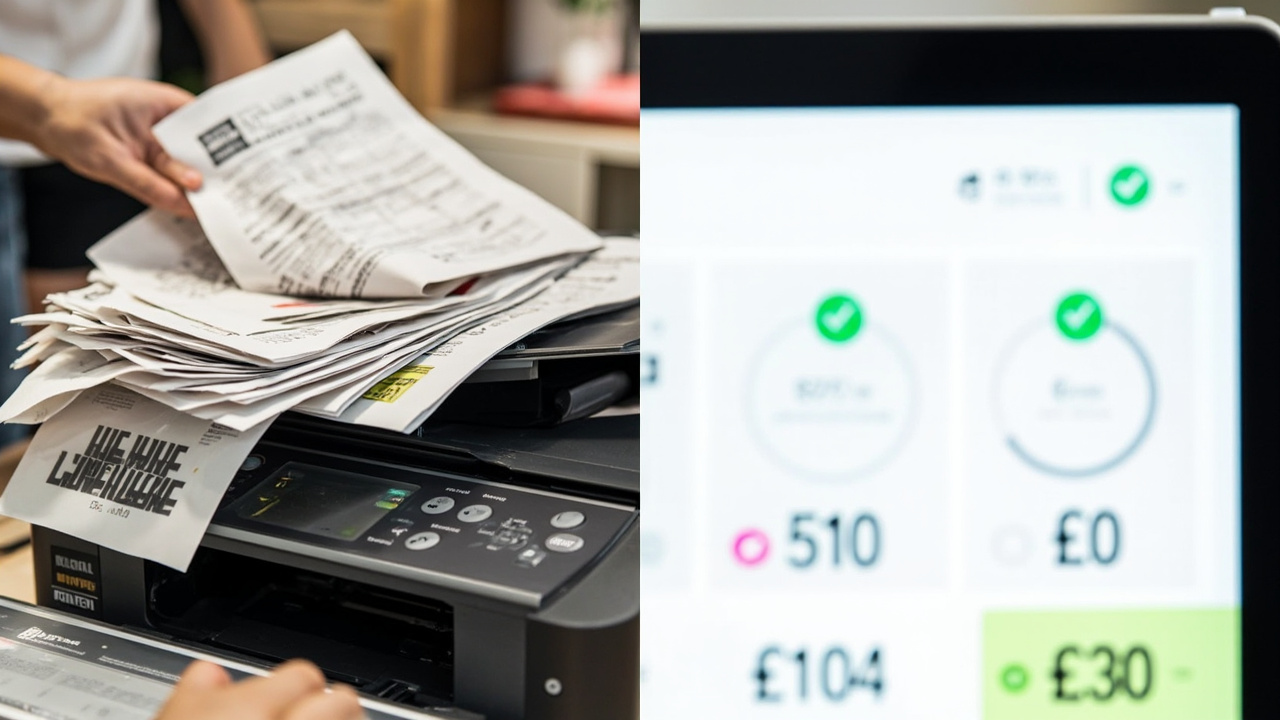
The numbers add up fast. Most independent restaurants spend £200–£600 per year on menu reprints alone.
What you're actually paying for:
- Menu reprints — every price change, seasonal update, or sold-out item requires a new print run. Average cost: £40–£120 per reprint.
- Lamination — to make menus durable, you're laminating. That's an additional cost per sheet.
- Design time — someone has to update the file, proof it, and get it to print.
- Wasted stock — seasonal menus become obsolete overnight. That batch of summer menus is worthless by October.
- No flexibility — a handwritten "sold out" on a laminated menu looks amateur. A digital toggle looks intentional.
A modest independent restaurant might spend £400–£800 per year managing their menu displays. A venue with multiple screens — even more. MenuBoard Online's starter plan costs nothing and eliminates all of this.
Your Menu, On Screens, In Minutes
Here's the part you've been waiting for. How do you actually get from a laminated sheet to a beautiful digital menu board?
MenuBoard Online has two products that work together — the Admin Panel (where you build your content) and the TV App (where your menu appears on screen). You can use both for free on the starter plan.
Step 1 — Sign Up and Open the Admin Panel
Head to admin.menuboard.online and create your free account. No credit card required.
Once logged in, you'll see the main dashboard. The left sidebar gives you access to all the areas you'll use: Assets, Playlists, Schedules, and Devices.
Step 2 — Upload Your Media (Assets)
This is where the magic starts. Your digital menu is only as good as the photos and videos you put on it.
Click Assets in the left sidebar. You'll see an empty grid (unless you've already uploaded things).
Click Upload and select your food photos and videos. Tips for great results:
- Shoot in natural light — or at least use a warm light source. Harsh overhead kitchen lights flatten food photography.
- Show the texture — close enough to see the char on the grill marks, the gloss on the sauce.
- Keep backgrounds simple — a cluttered plate or messy table distracts from the food.
- Videos work too — a 10-second loop of a chef plating a dish, or a bartender making a cocktail, is incredibly effective.
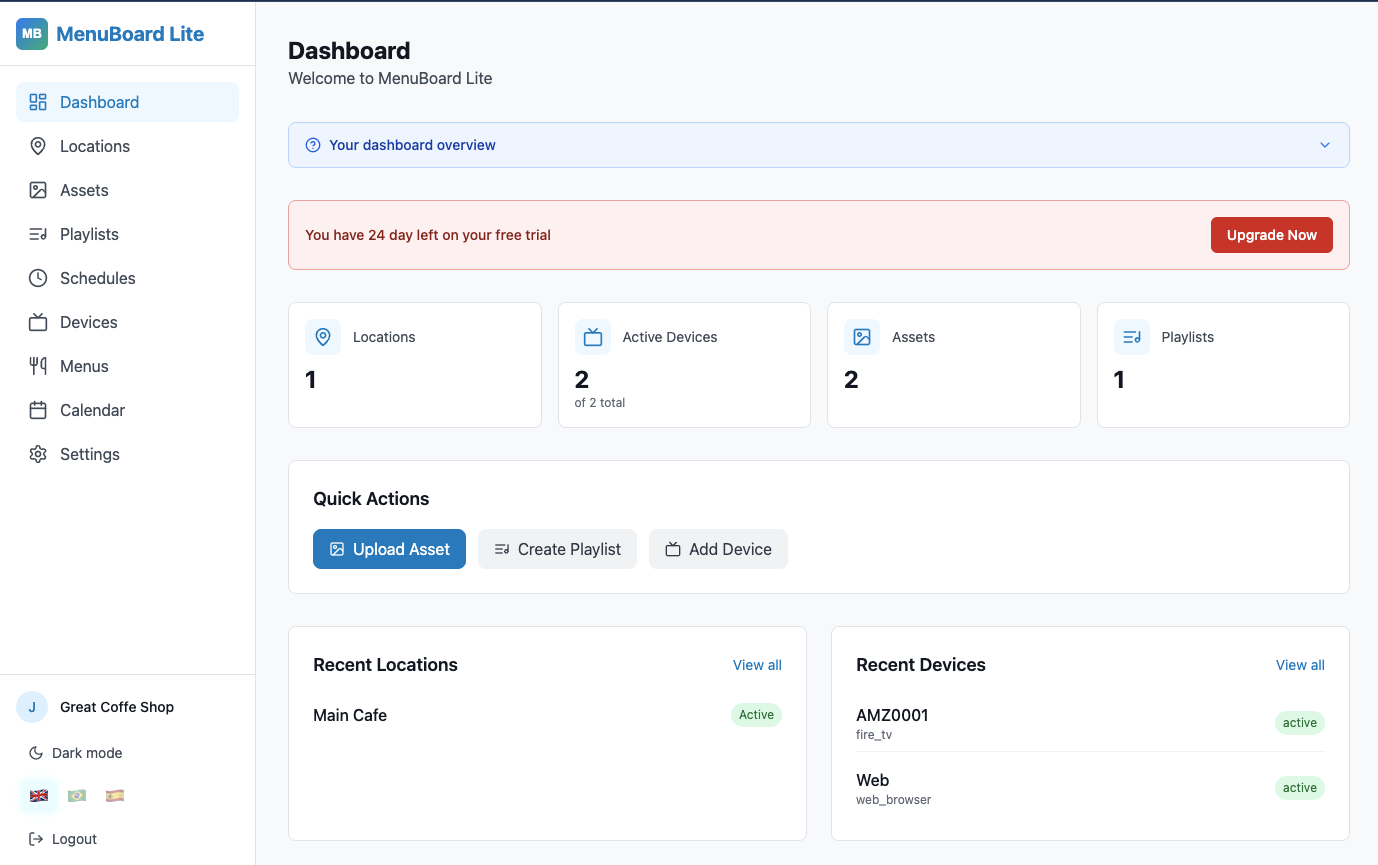
Your asset library grows over time. Once you've uploaded your best shots, building new menus takes seconds.
Each asset gets a QR code automatically — you can share individual food photos on social media or use them in table tent QR codes. More on that later.
Step 3 — Build a Playlist
Think of a playlist as a slideshow — but smarter. A playlist is a sequence of assets (photos, videos, or both) that plays in order on your screen, with a set duration for each item.
Click Playlists in the left sidebar.
- Click Create Playlist
- Give it a name — e.g. Lunch Menu, Dinner Menu, Drinks Board
- Click Add asset and select from your uploaded library
- Set a duration for each item — typically 8–15 seconds per item for photos, full length for videos
- Drag items to reorder them
- Hit Save
Pro tip: Build one playlist for your full menu (all items), and another for daily specials. You can switch between them using schedules — so your Lunch playlist plays at 11:30 and your Dinner playlist kicks in at 17:00 automatically.
Step 4 — Create a Schedule
A schedule tells your screen when to play which playlist. This is how you automate everything.
Click Schedules in the left sidebar.
- Click Create Schedule
- Give it a name — e.g. Daily Menu Rotation
- Assign the playlist you just created
- Set the play times — e.g. Mon–Sun, all day
- Assign it to a location (more on locations below)
- Hit Save
Schedules can be as granular as you need. You can have a Breakfast playlist from 7:00–11:00, a Lunch playlist from 11:30–15:00, and a Dinner playlist from 17:00–22:00 — all running on the same screen, automatically.
Step 5 — Connect a Device
This is where your menu goes from a file on a screen to a live, always-current display.
Option A — Fire TV Stick or Android TV (Recommended)
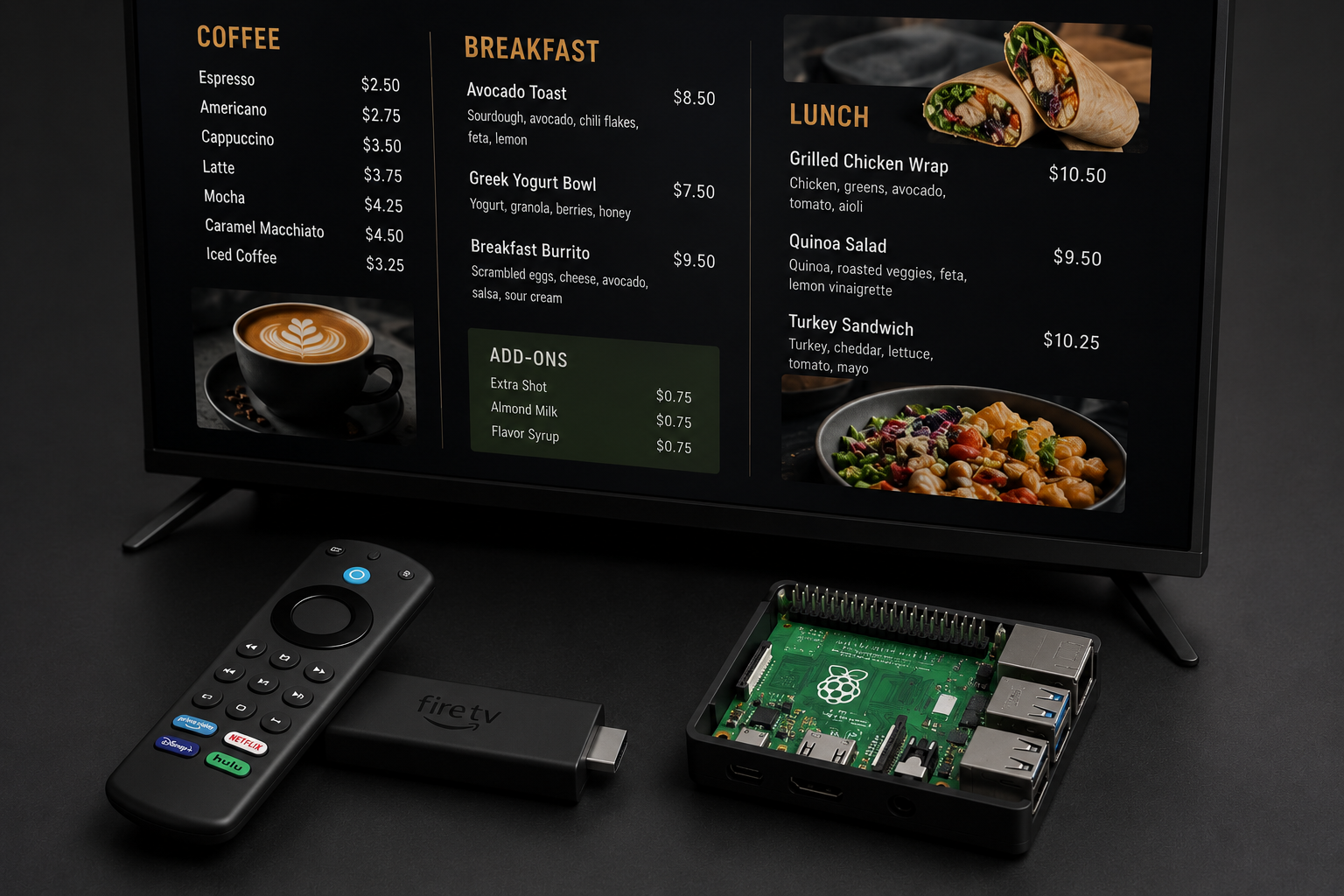
The MenuBoard app runs on Fire TV Sticks and Android TV devices. Download it from the Amazon Appstore or sideload the APK.
When you open the app for the first time, it shows an activation code. Head back to the admin panel, click Devices, enter the activation code, give it a name (e.g. Counter Screen), and assign it to a location.
The TV app polls for new content every 60 seconds. So if you change a playlist, your screens update automatically — no touching the TV.
Option B — Any Browser
If you don't have a Fire TV Stick, open any browser on any device (a laptop, a cheap Windows PC, a tablet) and go to the browser activation URL from the Devices page. It's the quickest way to get started with zero hardware.
Step 6 — Watch Your Screens Come Alive
With a device connected and a schedule active, your menu is live. That's it.
Walk behind your counter. Your dishes are glowing on the screen. Customers are looking up, pointing, asking questions you actually want to answer: "Yes, the burrata really does come with that many tomatoes."
Going Beyond the Menu
Here's something most restaurants don't realise: your digital screens don't have to just show food.
Promotional content:
- "Try our new Sunday Roasts — booking recommended"
- Seasonal specials with countdown timers
- "Follow us on Instagram" with your latest post
- Event nights, live music, chef's table bookings
Operational content:
- Table availability (if you have a reservation system)
- "Please ask about allergies" messaging
- Staff introductions — "Tonight's kitchen: Chef Marco and the team"
- Social proof — "As seen in The Guardian, March 2026"
A single screen can rotate between menu items, promotions, and ambient content. The key is balance: 70% menu, 30% personality.
The Numbers Don't Lie
We looked at a sample of MenuBoard Online restaurants in their first 90 days. Here's what the data shows:
| Metric | Before Digital | After Digital |
|---|---|---|
| Avg. order value | baseline | +12% |
| Starter/dessert attachment rate | baseline | +23% |
| "What do you recommend?" questions | high | significantly reduced |
| Menu reprint costs | £400–£800/year | £0 |
| Time to update a price | 2–3 days | under 2 minutes |
Based on anonymised data from MenuBoard Online starter plan users, Q1–Q2 2026.
The last point is one people underestimate. How many times have you been meaning to update your prices and just... haven't? With digital, changing a price takes longer to type than it does to go live.
Getting Started Today
You don't need a big budget. You don't need a marketing team. You don't need to be technical.
Here's your checklist for getting a digital menu board live this week:
- Sign up at admin.menuboard.online — free, no card needed
- Photograph your best dishes — even on a phone, even with overhead kitchen lighting
- Upload to Assets — takes 2 minutes
- Build a Playlist — 5 minutes if your photos are ready
- Open the MenuBoard app on a Fire TV Stick or browser — free to download
- Connect your device — enter the activation code, done
By the end of today, you could have a menu on a screen. By the end of the week, you could have a playlist your customers actually enjoy looking at.
Marcus from the trattoria? He's now on his third screen. One in the dining room, one at the bar, and one visible from the street — which he says has genuinely increased foot traffic from people walking past who saw the food and decided to come in.
"The screens paid for themselves in the first month," he said. "I didn't expect that."