Why Your Restaurant Is Losing Customers with a Paper Menu (And How to Fix It)
4-minute read · Digital Menus · Restaurants & Cafés
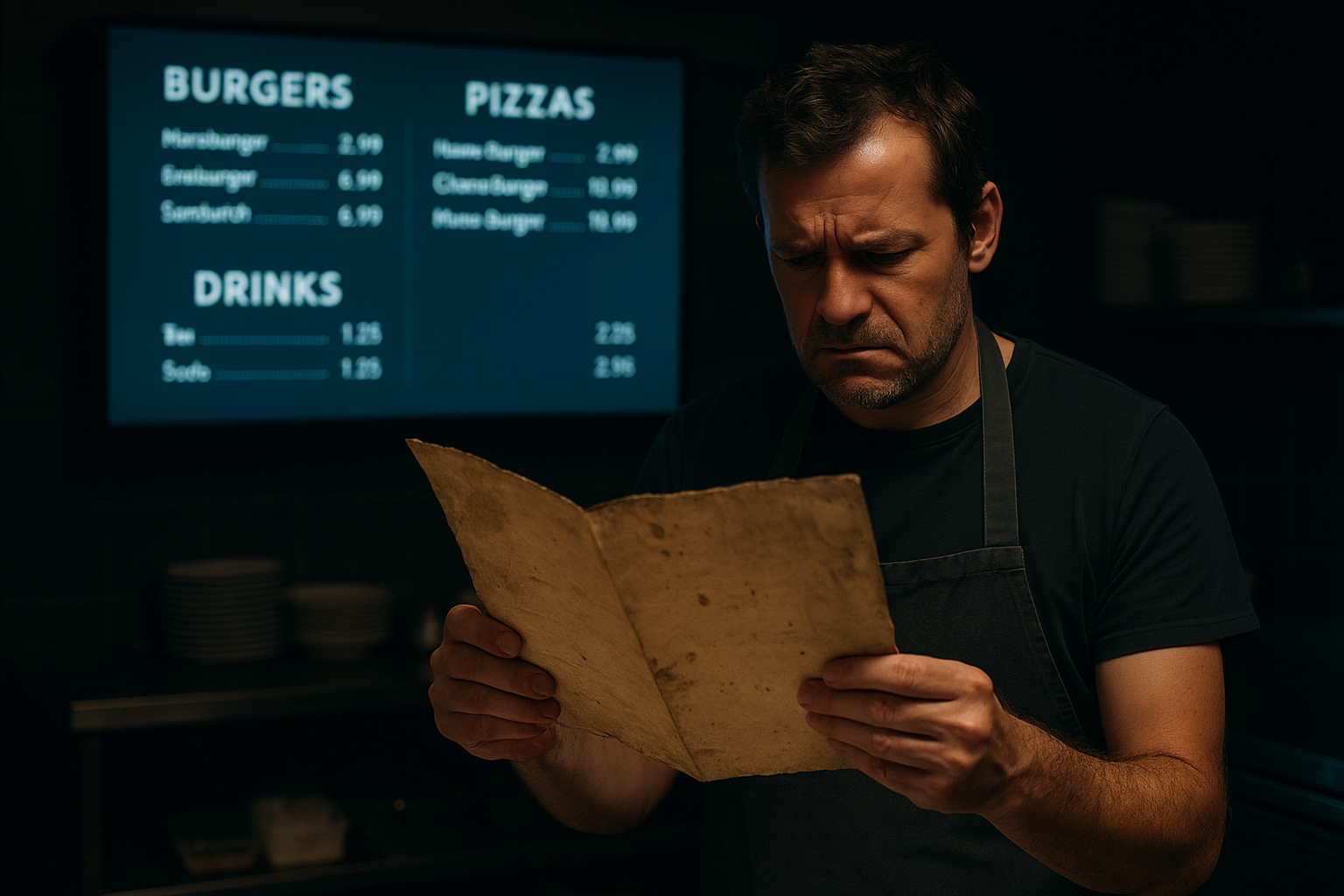
Every reprint costs money and time. Every outdated price erodes trust. Every sold-out item crossed out by hand tells customers you're not on top of things.
The Hidden Cost of "Just Printing a New One"
It feels trivial. A price goes up, a seasonal dish changes, a supplier runs dry — you update the Word doc, send it to print, wait two days, and laminate it. Job done.
Except it isn't just one reprint. It's twelve a year. It's the dish you forgot to update that a customer complains about. It's the "SOLD OUT" written in black marker on a £3 laminated card that your entire brand is now resting on at the counter.
Most independent restaurants spend £400–£800 per year on menu reprints alone, according to a survey of small food businesses conducted by the UK Independent Restaurant Association (2024). That's before you factor in design time, lamination, and the hidden cost of items that stay on the menu because reprinting feels like too much hassle.
But the real cost isn't in the printing budget. It's in what your paper menu communicates to the customer the moment they pick it up.
What Customers See That You Don't
Eye-tracking research published in the International Journal of Hospitality Management (2023) found that menu design directly influences perceived restaurant quality — within the first three seconds. Customers form an impression of your food before they've read a single item.
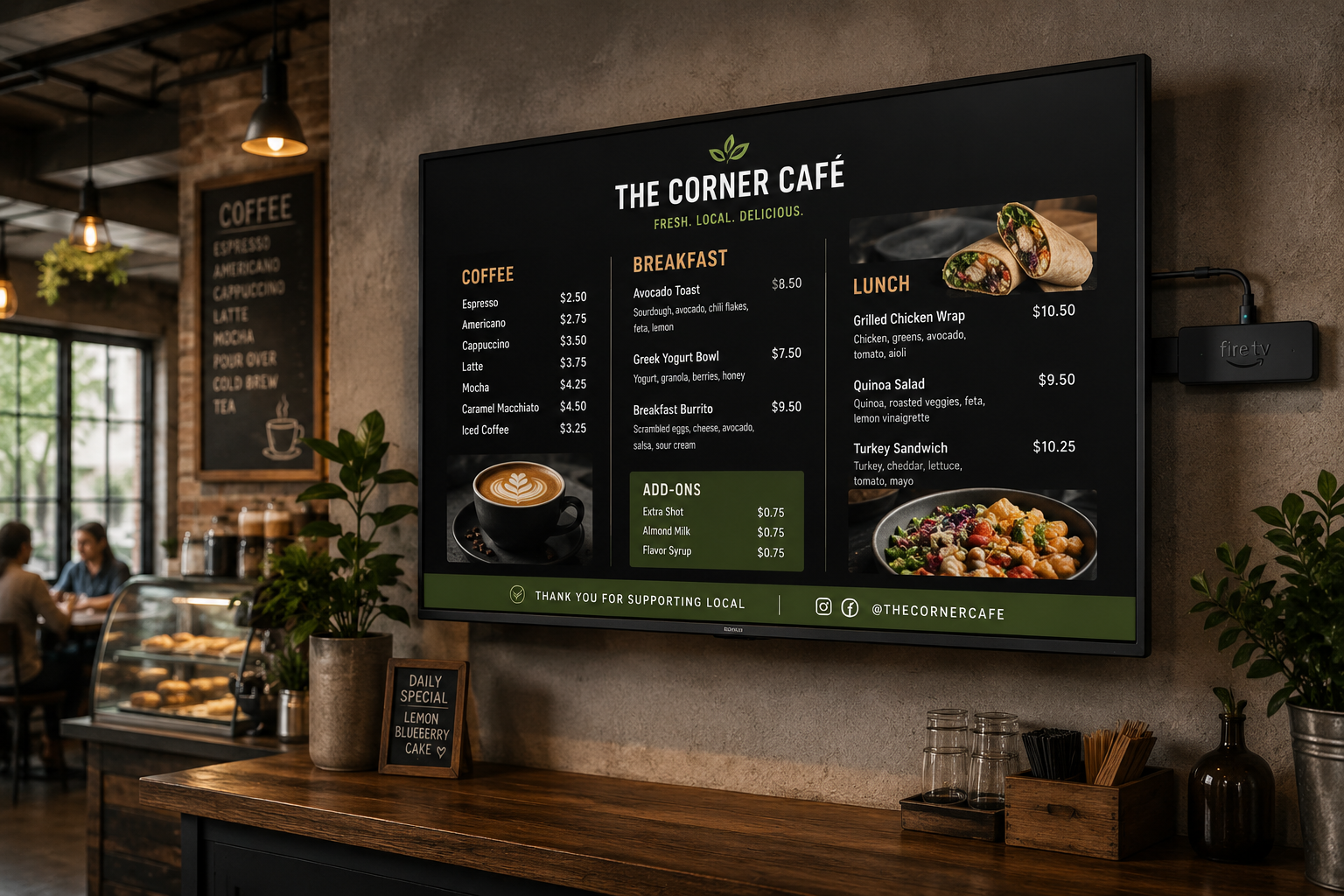
A worn laminated sheet communicates: this place doesn't invest in itself. A digital screen displaying beautiful food photography communicates: this is somewhere that cares about what it's serving you.
That's not a small distinction. In an era where a customer can screenshot your competitor's Instagram reel on the walk over, your in-venue presentation is fighting against a much higher visual bar than it was a decade ago.
A study by Cornell University's Center for Hospitality Research (2022) found that restaurants displaying high-quality food imagery at the point of sale saw a 25–30% increase in orders for the featured items versus text-only displays. For a venue doing £800 in dessert revenue per week, that's an extra £200–£240 weekly — over £10,000 per year from one menu category.
The Hygiene Factor Nobody Talks About
COVID-era habits didn't disappear when the restrictions did. A 2023 consumer survey by Mintel found that 64% of UK diners still prefer QR code or digital menus over physical ones — citing hygiene as a primary reason, particularly in family dining contexts.
Laminated menus are handled dozens of times per service. They're wiped down between covers. They're picked up by children, rested on sticky tables, and occasionally left in the wrong place entirely. The cleanliness concern is legitimate — and digital menus eliminate it completely.
A QR code on the table, or a clear screen behind the counter, replaces all of that friction with a clean, contactless experience. It doesn't require an app. It loads in seconds. And it never needs to be wiped down.
Speed of Change: The Metric That Kills Paper Menus
Here's a practical scenario: your main supplier calls on a Thursday morning. The chicken thighs you've built your Tuesday special around have gone up 18%. You need to reprice.
With a paper menu:
- Update the design file
- Proof it
- Send to print (same-day print costs more)
- Wait
- Replace all copies in the venue
Time to customer: 24–72 hours. In the meantime, you're either selling at the wrong price or hand-writing changes on the existing menu.
With MenuBoard Online:
- Log in to the Admin Panel at admin.menuboard.online
- Navigate to Menus → click your menu → find the item
- Update the price
- Hit save
Time to customer: under 60 seconds. Your digital menu and any connected TV screens update automatically.
How MenuBoard Online Fixes This — In Two Steps
MenuBoard Online is built around two products that work seamlessly together: the Admin Panel (where you manage everything) and the TV App (where your menu appears on screen).
The Admin Panel: Your Menu Control Centre
Head to admin.menuboard.online and sign up for free — no credit card required.
Once inside, you'll see the left sidebar with your main areas:
Menus — This is your digital menu builder. Create a menu, add categories (e.g. Starters, Mains, Desserts, Drinks), and add items with names, prices, descriptions, dietary tags, and photos. Everything is editable in real time.
The Menu Editor lets you build a full restaurant menu with categories, items, prices, photos and dietary tags — all editable in seconds.
Once your menu is published, it gets a permanent public URL (e.g. menuboard.online/menu/your-restaurant-name) that customers can visit directly, and a downloadable QR code you can print and place on tables, at the counter, or in your window.
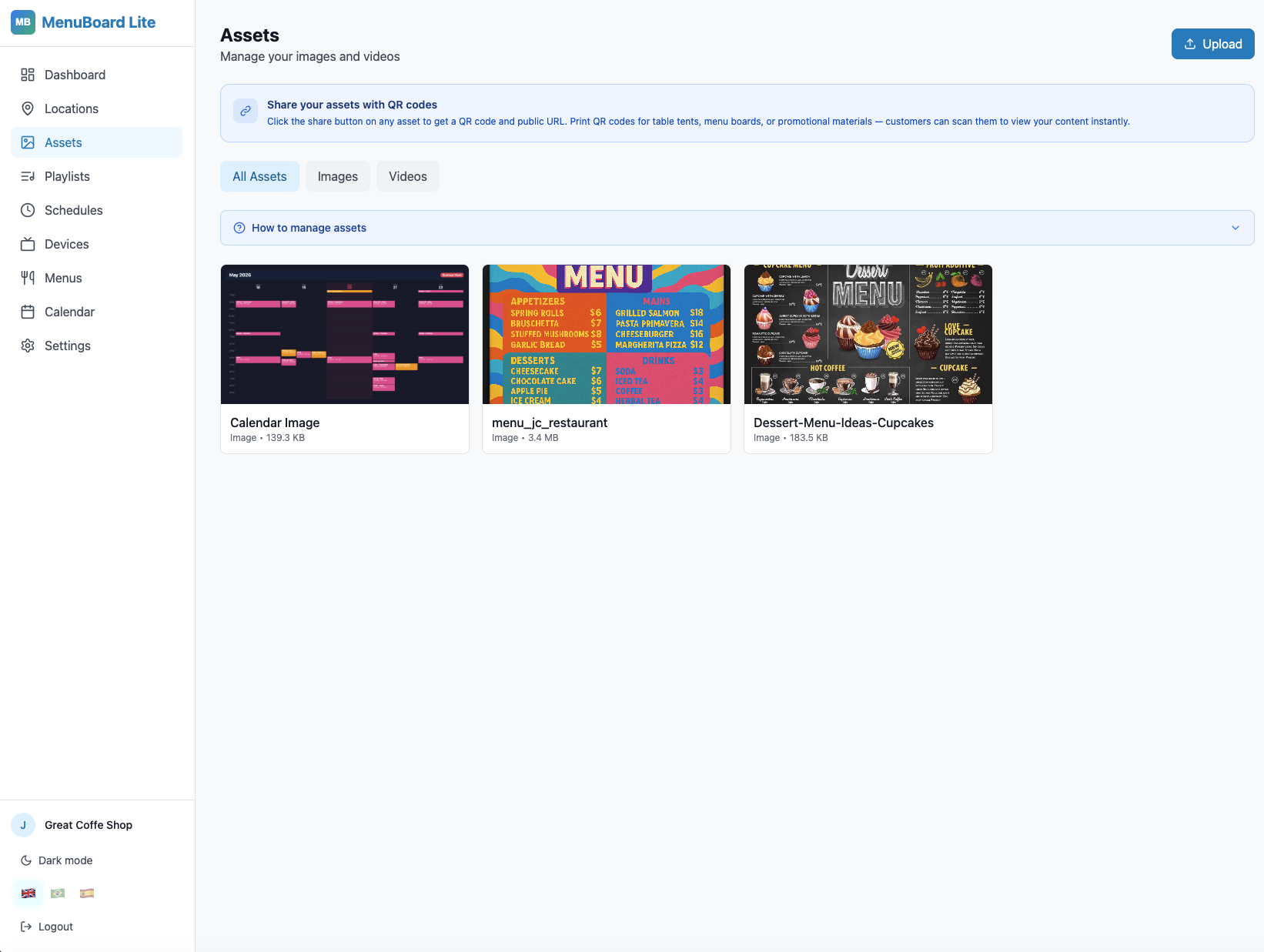
Assets — Upload food photography, promotional videos, or branded graphics. These become the building blocks for your digital signage playlists.
Playlists — Arrange your uploaded assets into a rotating slideshow. Set display durations per item (typically 8–12 seconds for photos). Build separate playlists for Lunch and Dinner, or for seasonal promotions.
Schedules — Automate which playlist plays and when. Your Breakfast menu plays 7:00–11:00. Your Lunch playlist kicks in at 11:30. Your Dinner selection takes over at 17:00. All without touching a screen.
Devices — Connect your TV screens. Each device gets an activation code that you enter once. After that, it pulls content from your schedule automatically — no remote control, no USB drive, no on-screen fiddling.
The TV App: Your Menu on Any Screen
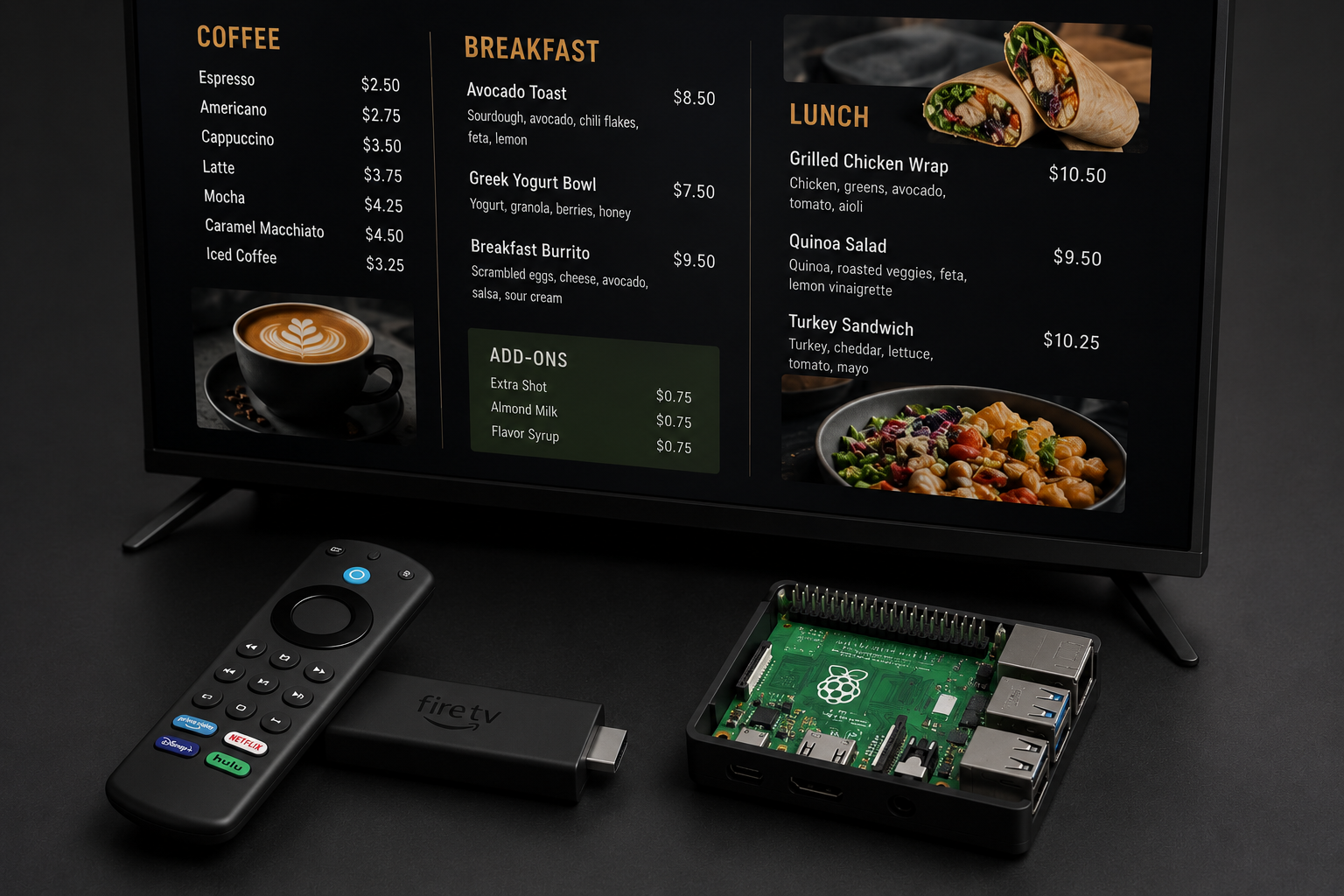
Download the MenuBoard app from the Amazon Appstore (for Fire TV Stick) or install it on any Android TV device. When you open it for the first time, it shows an activation code — enter that in the Admin Panel under Devices, name your screen, assign it to a schedule, and it's live.
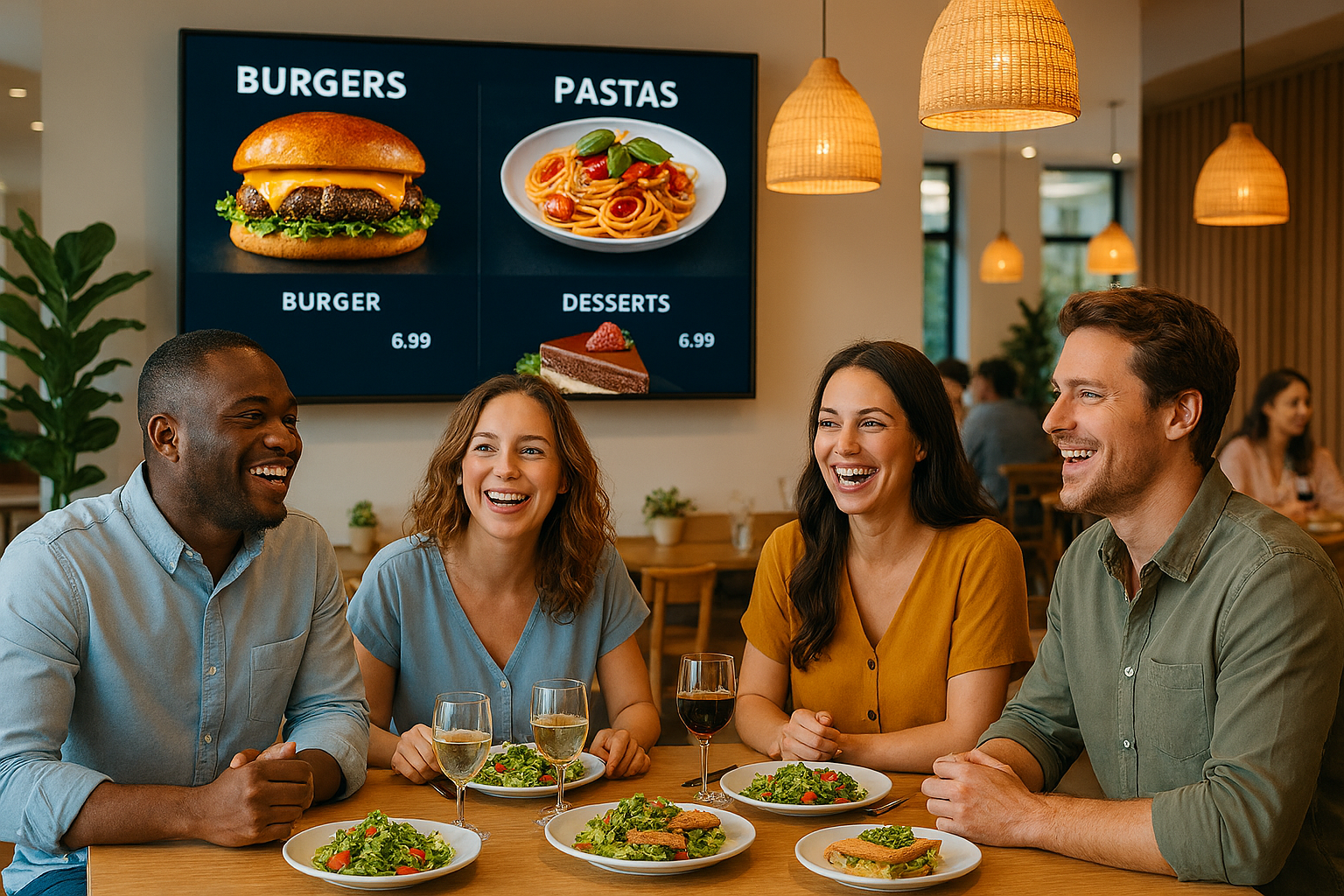
Once connected, your TV displays your menu playlist automatically. Changes made in the Admin Panel appear on screen within 60 seconds.
No Fire TV? The TV App also runs in any web browser — open the browser URL from the Devices page on a laptop, a cheap Android TV box, or even a tablet mounted behind your counter.
The Real Numbers: What Switching Actually Delivers
Based on data from MenuBoard Online users in their first 90 days:
| Metric | Paper Menu | Digital Menu |
|---|---|---|
| Time to update a price | 24–72 hours | Under 60 seconds |
| Annual menu reprint cost | £400–£800 | £0 |
| Customer-facing hygiene | Physical contact per service | Zero contact |
| Ability to show food photography | No | Yes — full screen |
| Ability to schedule seasonal content | No | Yes — automated |
| QR shareable link for social media | No | Yes — auto-generated |
Based on anonymised data from MenuBoard Online users, Q1–Q2 2026.
Ease of Update: The Competitive Edge Most Owners Ignore
There's a deeper issue with paper menus that goes beyond cost: they create inertia around menu evolution.
When changing a price means reprinting, you stop changing prices as often as you should. When adding a seasonal dish means a full design revision, you add fewer seasonal dishes. When removing a slow-moving item requires a reprint, you keep it on the menu longer than it deserves.
Digital menus remove all of that friction. The restaurant that updates its menu weekly — trying new combinations, responding to ingredient availability, running weekend specials — has a competitive edge over the restaurant stuck with a printed menu it hasn't touched since February.
Getting Started Today
Here's your end-to-end checklist for going live this week:
- Sign up free at admin.menuboard.online — no card needed
- Go to Menus and click Create Menu — name it after your restaurant
- Add your categories and items — prices, descriptions, dietary tags
- Upload a few food photos under Assets
- Build a Playlist using those photos and set display durations
- Create a Schedule to automate your Lunch/Dinner rotation
- Connect a screen via the TV App (Fire TV, Android TV, or browser)
- Download your QR code from the Menus page and print it for your tables
By the end of this week, you could have:
- A live digital menu accessible via QR code on every table
- A TV screen behind your counter showing rotating food photography
- A schedule that switches automatically between your meal periods
- Zero reprinting costs from this point forward
The paper menu had a good run. It's time to retire it.